Keep Photo Originals and Revisions in a Library You Can Read
Preserve the source files, make working changes traceable, and test whether another person can identify the approved export.
In this article
A photograph of a blue teapot has five possible homes. One file came from the camera, one contains the editor's working changes, and two were exported for different sizes. Somebody has also saved a copy of an export after adding text in another app. In a recent files listing they all have convincing names, and the newest one is the least useful source for a further edit. The question is easy to ask and hard to answer: which file would you open if the original assignment came back next month?
A useful image library answers that question before a project goes cold. Give originals, editable work, and delivered images distinct roles. Preserve the relationships between them with a small naming scheme, a working index if necessary, and a regular test of what happens when you open the project away from the desk where it began. You do not need an elaborate catalog to keep five files intelligible. You do need to know which material must travel together.
Preserve the source set as it arrived
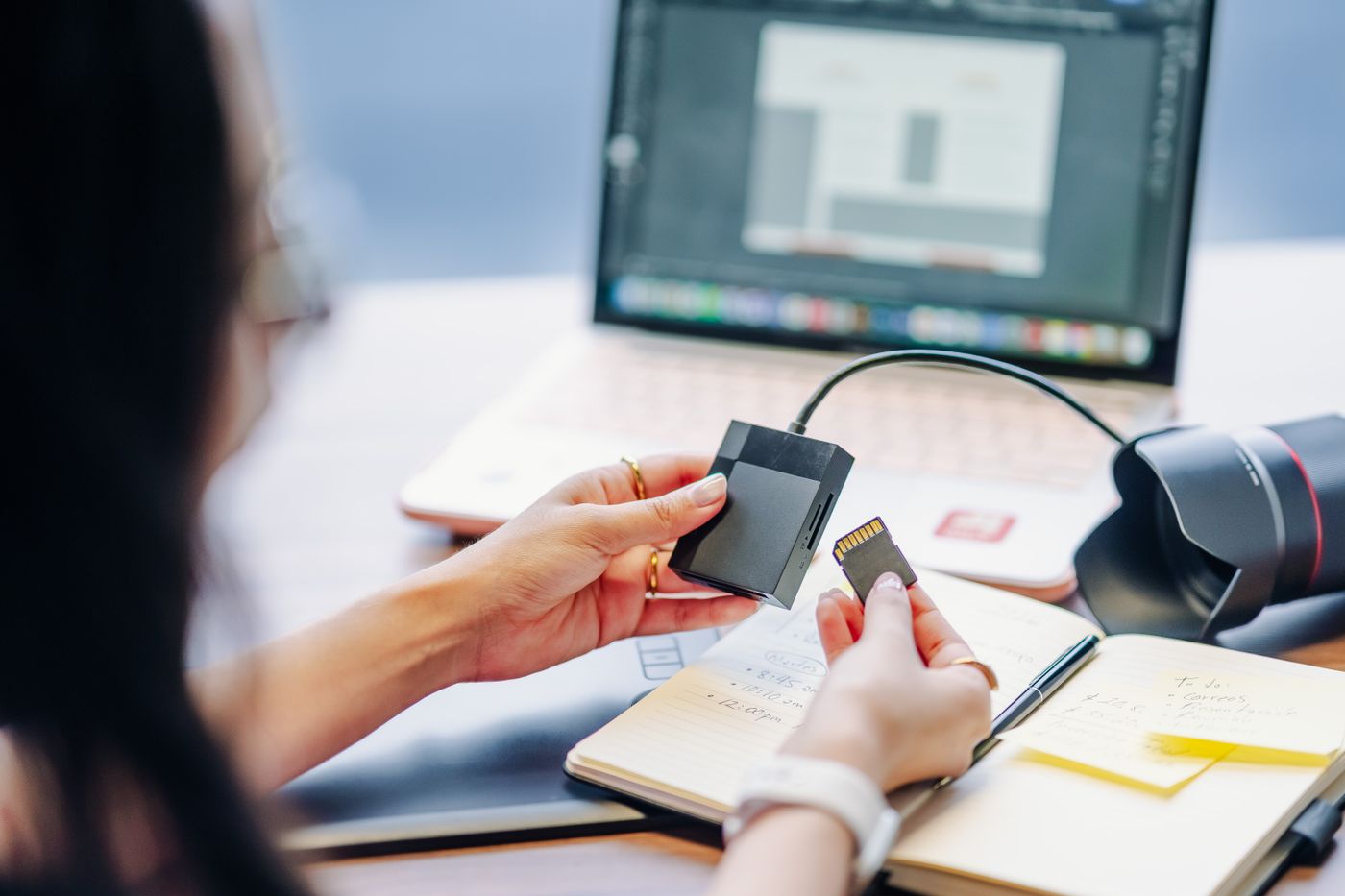
Start with the files from the camera, contributor, or other legitimate source. Copy them through a procedure you can verify before using the same media for another job. Keep the complete contents relevant to the project, including image pairs or other companion files where your workflow needs them. If two cameras produce identically numbered filenames, preserve separate source folders or record another unambiguous way to distinguish the files. A familiar numeric name is a poor identifier after the same number has been reused by a second camera.
Choose a short project identifier and a source description. For example, a folder for the teapot shoot can contain a camera folder for the set with the blue background and another for the second set. Where the files' dates are important, check that the device times are plausible and preserve the originals while documenting any mismatch. Changing a timestamp convention in the middle of an import may make a useful sorting aid much less reliable. Keep the evidence available so someone else can understand why two images appear to have been taken in a surprising order.
Decide how to keep the originals protected from routine changes. Some workflows use a read-only location for the everyday editing account, and others rely on a clear folder and copy procedure. Use the method you can maintain with your software, permissions, and backup system. Keeping another copy somewhere appropriate matters if the files are important. A protected directory on one disk keeps you from one class of accident and still needs an effective backup against equipment failure. Verify that an example copy opens before calling the import complete.
Know what makes a working edit editable
Open an image in the tool you use and identify what must be present to change it later. Some editors save changes inside a working document, possibly with layers or separate references. Others retain instructions in a library or a sidecar file alongside the original. Adobe Camera Raw, for example, describes options for storing settings, including an XMP sidecar in the workflows to which it applies. Learn which method your tool and format actually use. An export whose appearance accurately reflects an edit does not establish that the instructions for adjusting it have been preserved.
Try a handoff with one harmless copy of a small project. Move or copy it using supported controls, then open it in a fresh location without relying on the original session's recent files list. Check that its source image appears, the most important change is present, and you can make a different version later. If the application reports missing linked material, record what it needs and which paths have to remain valid. A package or project export can simplify this, provided you verify what it bundles. Treat dependent files as a group when they are required for the same working image.
For a library that uses a catalog, distinguish the catalog's directory record from the picture files and any separately stored settings. Backing up one of those parts may give you a correct description of the library and none of its pictures, or give you every picture without the recent work. Review the editor's own backup and recovery guidance. Test with a short example so you can confirm what an ordinary restore would recover. Keep the reference material accessible to the person who will actually have to do the recovery.
Give revisions a number and a reason
Make the name of an editable revision carry two facts: which source or project it belongs to and which round of work it represents. A simple number in a consistent position is usually enough. Put the purpose in a short note or a meaningful suffix. You can write “working r03, handle highlights,” for example, without turning the entire editing record into a filename. Decide when to create a revision. A change that needs another person's review or an alternative you might return to can justify one. A correction in an unfinished pass does not necessarily need its own permanent copy.
Avoid the string of files that all say final in a slightly different way. State approval as a separate fact where it matters. A tiny index might say which working revision supplied which approved export and who can confirm the current decision. If you are working alone, a date and a reason may be sufficient. A named revision becomes useful when you can see what it replaced and what it is for. The approval of one use does not have to make the same revision the preferred source for an unrelated one.
Retain different output roles as separate names. A print test, a small image sent for review, and a finished digital deliverable are examples. Include the role and enough distinguishing information to select the right file without opening several previews. Do not put sensitive client or personal details in filenames likely to be shared if a project identifier will serve. If a recipient needs a specific name, keep that name on the deliverable and record which working revision produced it internally.
Make a short directory map
A small job can fit into three recognizable areas called Originals, Working, and Delivery. Add an index or project note beside them if the relationship is not apparent from the names. Originals should lead to the files you received. Working should lead to editable states or a reference to the supported catalog that contains them. Delivery should tell you what was actually sent. A person navigating the folder should not have to guess which of these places is safe to use as the beginning of a new edit.
Do not make every folder carry the full history. If you have a shared project and separate local working storage, note the location and what needs to move when responsibility changes. When more than one person edits a project, agree whether each person has a separate revision path or whether only one person changes the common document at a time. The scheme is useful to the extent it prevents two plausible versions from replacing each other without notice. A single sentence about who owns the current working copy may be enough for a very small collaboration.
Choose a plain way to leave notes. A text file can identify dependencies and explain a few choices in a form readable without opening the editor. Keep important project information independent from the service's transient history when you can. If a local tool records the metadata you need through a supported export, include that with the relevant archive, then verify its usefulness. A polished project file whose version information can only be interpreted through one old account is a fragile long-term handoff.
Practice the question you expect in six months
Pick a completed small job. Imagine being asked for a new version of a single photo that was already delivered. Use the folder to locate the exact source, find the approved edit or its working version, and identify the exported file the recipient saw. Then open a working copy and make a harmless temporary change to confirm that you started with an editable state. Restore or discard that practice copy without altering the actual delivery. Let the steps tell you which extra note, filename, or missing file would make the next retrieval faster.
Check the delivery separately. Read the finished image in another viewer and confirm its identity. A different application may display metadata or color differently, so evaluate the file where it will actually be used when you can. Keep enough traceability to compare with a later export, especially if several people regularly deliver images from the same source. You do not need to retain every disposable test. Decide which revisions serve a purpose, keep the original and approved material reliably, and leave enough earlier work to understand an important decision.
An organized library earns its name when someone can trace one picture without asking the last editor to remember it. The camera file has a clear home, the revision retains everything needed for further work, and the delivered copy can be identified without treating its filename as a guess. A modest habit at import and delivery makes future editing much less dependent on who happens to be at the desk.
Software reference
Adobe documents an example of how an editor stores processing settings in a database or sidecar. Consult the guidance for your exact editor and file type.